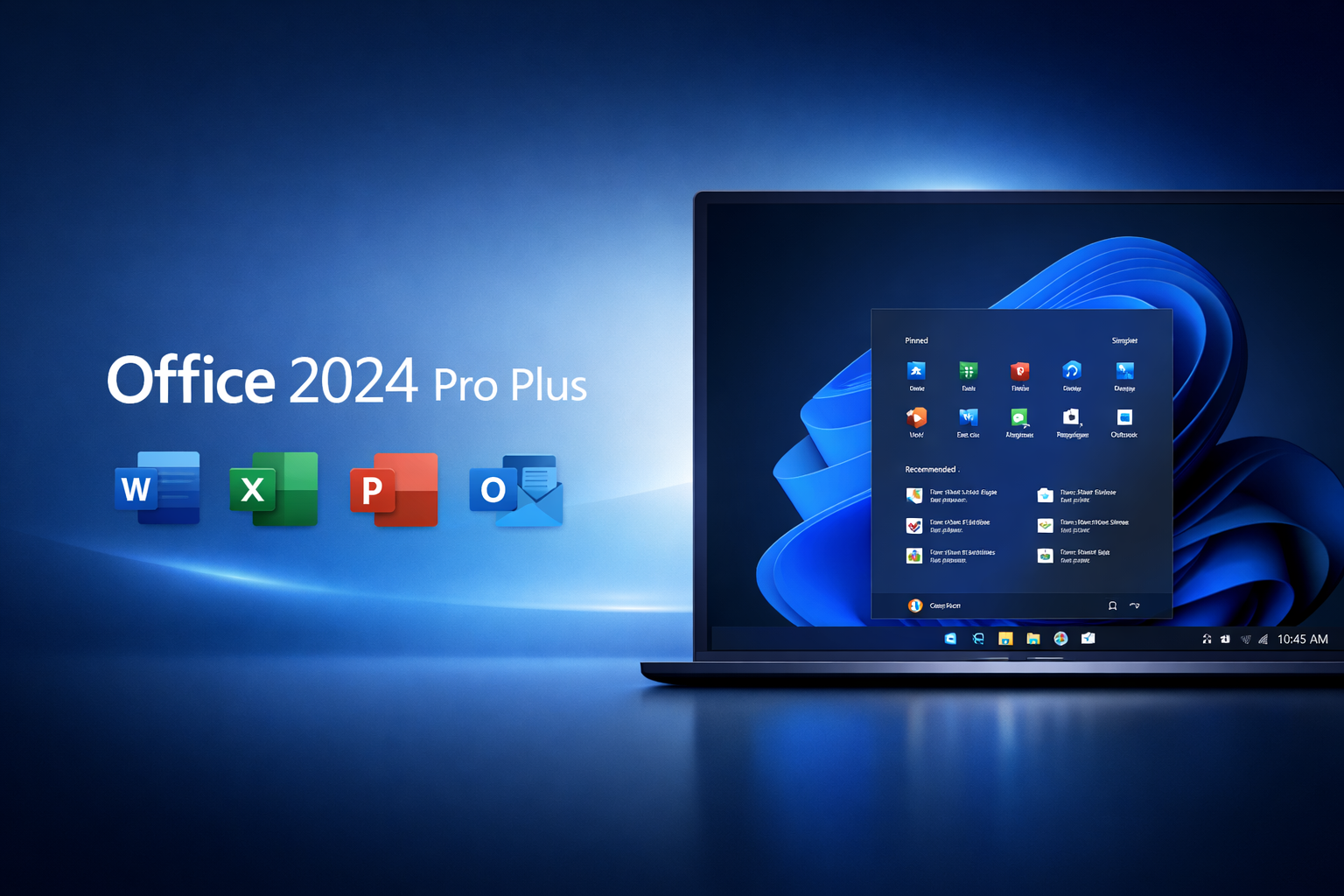
Office 2024 Pro Plus is shaping how teams write, analyze, and present work in 2026. In this guide, you will learn what it includes, who it fits, and how to plan a smooth rollout. You will also see practical tips that improve speed and reduce rework. Because many people still mix older Office versions with cloud-based apps, a clear plan is more important than ever. Let’s walk through features, licensing, security, and best practices straightforwardly.

What is Office 2024 Pro Plus, and who is it for?
Office 2024 Pro Plus is a premium desktop productivity suite for modern work. It targets users who want powerful local apps, stable performance, and broad compatibility.
It is a strong fit for:
- Small businesses that prefer desktop apps.
- Enterprises that need policy control and offline access.
- Power users who rely on advanced Excel and Outlook workflows.
- Regulated teams that need compliance-friendly deployments.
At the same time, it can also work well in hybrid environments. Many organizations use desktop Office plus cloud services. That mix often gives the best balance of control and collaboration.
Office 2024 Pro Plus apps: what you get
Most buyers choose this edition for its complete app set. However, what you receive can still vary by licensing channel. Always confirm with your vendor.
Common included apps:
- Word for writing and formatting documents.
- Excel for analysis, models, and reporting.
- PowerPoint for slides and storytelling.
- Outlook for email, calendar, and tasks.
- OneNote for notes and knowledge capture.
- Access for database workflows (often Windows-focused).
- Publisher in some channels (availability can vary).
Even if you mainly use two apps, having the full suite helps. It reduces tool sprawl across teams.
Office 2024 Pro Plus vs Microsoft 365: how to choose
Many buyers compare a perpetual license suite to a subscription suite. The better option depends on budget style, update needs, and IT policy.
When Office 2024 Pro Plus makes sense
Choose it when you want:
- Predictable one-time licensing.
- Strong offline capability.
- A stable feature set for long periods.
- Compatibility with desktop add-ins.
This model can reduce recurring cost pressure. It can also simplify approval cycles.
When Microsoft 365 can be better
Choose a subscription when you need:
- Continuous feature updates.
- Deep cloud collaboration features.
- More built-in services across devices.
- User-based licensing that flexes with staffing.
In many workplaces, a blended approach is realistic. For example, finance may use a desktop-first setup. Meanwhile, sales may rely on cloud-first tools.
Office 2024 Pro Plus features that improve daily work
Productivity software wins when it removes friction. So, focus on features that cut time, lower mistakes, and improve consistency.
Faster document creation
Word workflows improve when templates, styles, and review tools are used well.
Useful habits:
- Use shared templates for brand consistency.
- Use headings and styles to speed formatting.
- Use tracked changes for clear review cycles.
This reduces back-and-forth and keeps documents readable.
Better spreadsheets with fewer errors
Excel is powerful, but error-prone when teams work fast. Good structure helps.
Practical improvements:
- Use tables instead of loose ranges.
- Use named ranges for clarity.
- Use data validation to reduce mistakes.
- Use pivot tables for reliable summaries.
These steps make the work easier to audit and update.
Strong presentations with less effort
PowerPoint becomes smoother when teams standardize.
Try this:
- Use slide masters to lock in layout.
- Use a shared icon library and theme colors.
- Keep one idea per slide.
As a result, your decks stay clean and consistent.
Office 2024 Pro Plus licensing basics you should know.
Licensing is often the hardest part. Yet it drives cost and compliance.
Key licensing points to check:
- Is it device-based or user-based in your channel?
- Do you need volume licensing for many PCs?
- Do you need downgrade rights for legacy add-ins?
- What are your activation and reactivation rules?
Also, document your licensing decisions. That helps future audits and reduces renewal confusion.
Office 2024 Pro Plus system requirements and deployment planning
Before you deploy, validate device readiness. Then test your critical workflows.
Basic readiness checks
- Confirm supported Windows versions in your environment.
- Check RAM and CPU for heavy Excel models.
- Verify disk space for local installs and updates.
- Confirm graphics capability for PowerPoint media work.
A deployment approach that reduces risk
Use a staged rollout:
- Pilot with IT and power users.
- Expand to one department with varied roles.
- Roll out broadly after add-in validation.
This is slower at first. However, it avoids expensive surprises later.
Office 2024 Pro Plus add-ins and compatibility
Add-ins often decide whether a rollout succeeds. Many teams depend on:
- CRM email plugins.
- PDF tooling.
- Finance modeling add-ins.
- Document management connectors.
So, do this early:
- Inventory add-ins by department.
- Test them in a pilot group.
- Confirm vendor support for your Office build.
- Plan replacements for abandoned add-ins.
If an add-in fails, productivity drops fast. Planning prevents that.
Security and privacy: how to keep Office safer
Security is not only an IT task. Users need simple guardrails.
Practical protections:
- Keep macro policy strict by default.
- Allow only signed macros for trusted workflows.
- Use protected view for downloaded files.
- Train staff on phishing and attachment risks.
Also, set rules for sensitive data in spreadsheets. A single exported file can create a large risk.
Office 2024 Pro Plus for remote and hybrid work
Hybrid work demands consistency. People move between home and office networks. So, reliability matters.
To support hybrid teams:
- Standardize templates and shared folders.
- Use clear naming rules for files and versions.
- Set common meeting notes practices in OneNote.
- Reduce email overload with simple Outlook rules.
These are small changes. Yet they compound into real-time savings.
Office 2024 Pro Plus tips for Word power users
Better Word habits can save hours each week.
Try these:
- Build a personal quick parts library.
- Use headings and a table of contents for long files.
- Use the navigation pane to jump to sections quickly.
- Use comments for decisions, not just edits.
Also, keep sentences short in your documents. That improves clarity for everyone.
Office 2024 Pro Plus tips for Excel power users
Excel becomes easier when you design for future readers.
Use these practices:
- Separate inputs, calculations, and outputs.
- Use consistent colors for input cells.
- Add a “Read Me” sheet with assumptions.
- Avoid merged cells in data tables.
Then, your workbook stays usable when staff changes.
Office 2024 Pro Plus tips for Outlook control
Email can steal focus. Outlook can help if configured well.
Simple improvements:
- Create rules for newsletters and alerts.
- Use categories for priority sorting.
- Schedule focus blocks for processing email.
- Use quick steps for repeated actions.
As a result, you spend less time in the inbox.
Office 2024 Pro Plus and accessibility: build inclusive documents
Accessibility supports more readers. It also improves quality.
Good habits include:
- Use real headings, not bold text alone.
- Add alt text to key images.
- Use strong contrast in slides.
- Avoid dense paragraphs.
These steps make content easier for everyone to use.
Office 2024 Pro Plus training plan that actually works
Training fails when it is too broad. Keep it role-based and practical.
A simple plan:
- One session for Word and templates.
- One session for Excel data hygiene.
- One session for PowerPoint design basics.
- One session for Outlook workflow habits.
Then, create short cheat sheets. Keep them in a shared folder.
Also, assign “power users” to each team. They can answer quick questions. That reduces IT tickets.
Office 2024 Pro Plus rollout checklist for IT teams
Use this checklist to stay organized:
- Confirm licensing model and activation method.
- Validate OS and hardware readiness.
- Inventory add-ins and test critical ones.
- Pilot with power users and collect feedback.
- Standardize templates and shared settings.
- Set macro and attachment safety policies.
- Create short training resources.
- Roll out in phases with support coverage.
This keeps the rollout steady and predictable.
Office 2024 Pro Plus: common questions and clear answers
Is Office 2024 Pro Plus good for a small business?
Yes, if you prefer desktop apps and stable tooling. It also works well when internet access is inconsistent.
Can I use it without an internet connection?
Most desktop workflows can run offline. Activation and updates may still require connectivity.
Does it replace cloud collaboration tools?
Not fully. Many teams still pair desktop Office with cloud sharing and chat tools. That hybrid setup is common.
What should I test first?
Test your critical add-ins, your template library, and your heaviest Excel workbooks.
Plan smart and get more value.
Office 2024 Pro Plus can deliver strong value when you plan deployment, training, and compatibility testing. It helps teams create cleaner documents, safer spreadsheets, and clearer presentations. Moreover, small workflow habits can unlock big time savings. Start with a pilot, standardize templates, and train by role. Then, you will get a smoother rollout and better daily results. if you read more to click here